# webReader mobile- Mobile application of the webReader attendance system
The webReader mobile application is also connected to the webReader module, it is a mobile application for Android (opens new window)  and iOS (opens new window)
  , with which you can also record Clock in/Clock out and breaks.In addition, with the help of the application, the user can quickly view the balance and remaining limits.
Warning
If a photo and/or location verification request is set, it is necessary to allow the application access to these options.
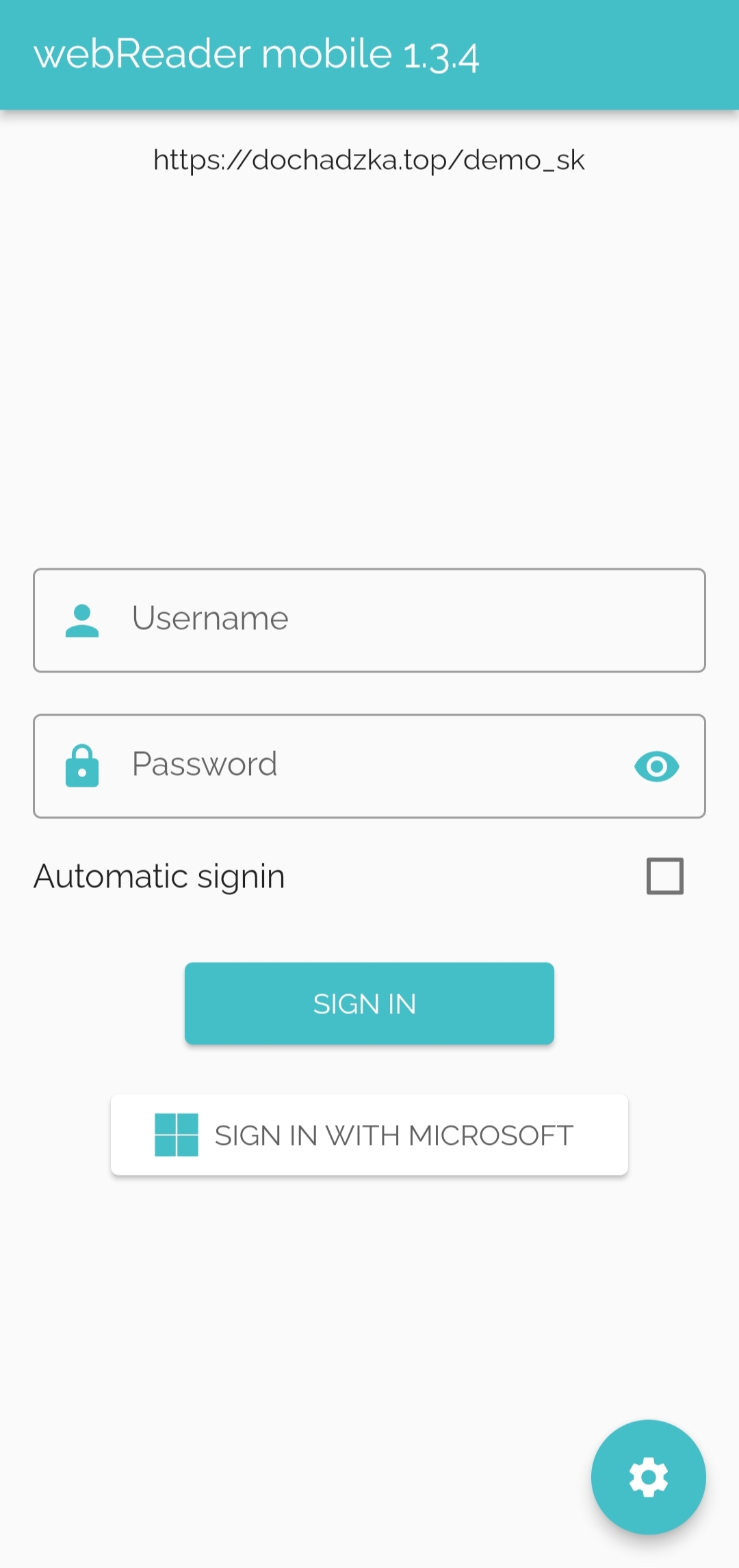
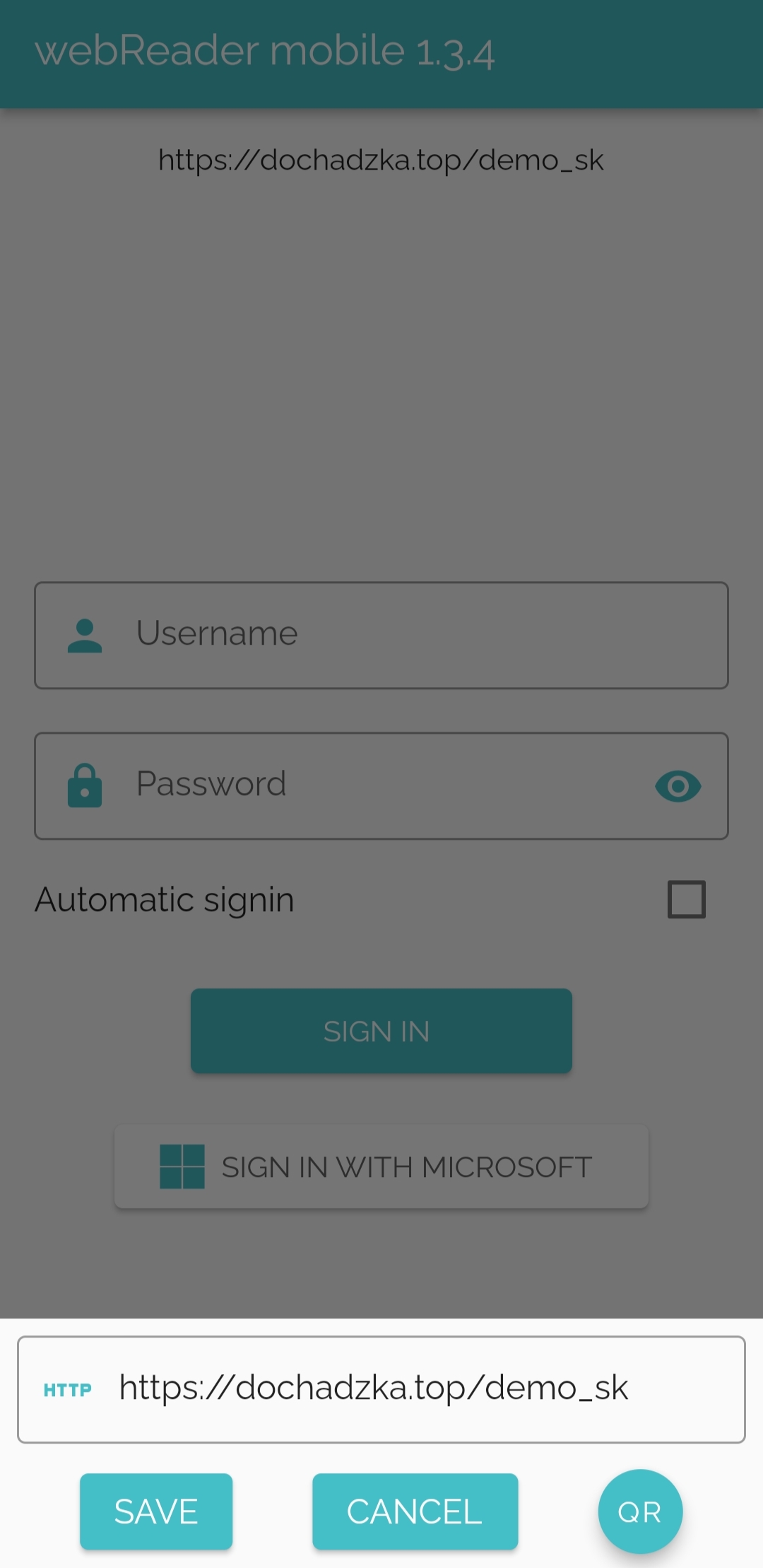
# Settings
It is necessary to set the server address in the application, it is normal https://dochadzka.top/nameOfCompany. There is also the option of automatic login.
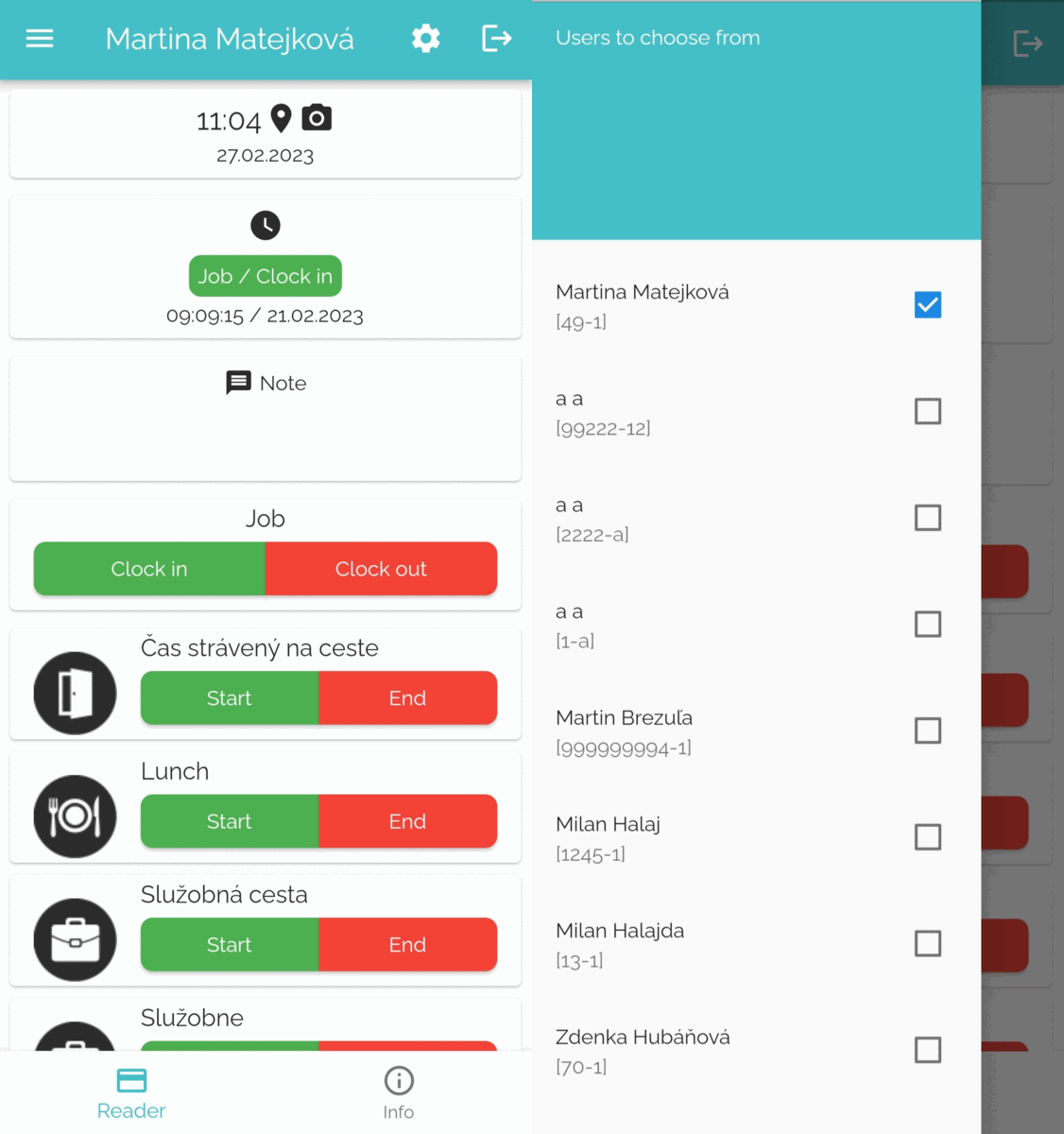
# Reader
After logging in, the Reader window opens, which is very similar to the Reader window from the webReader module. There are also options for confirming actions and changing the language. Selection of employees for whom the transaction will be sent, if allowed. Next, the choice of Clock in/Clock out, start/end of the transaction, extracting notes.
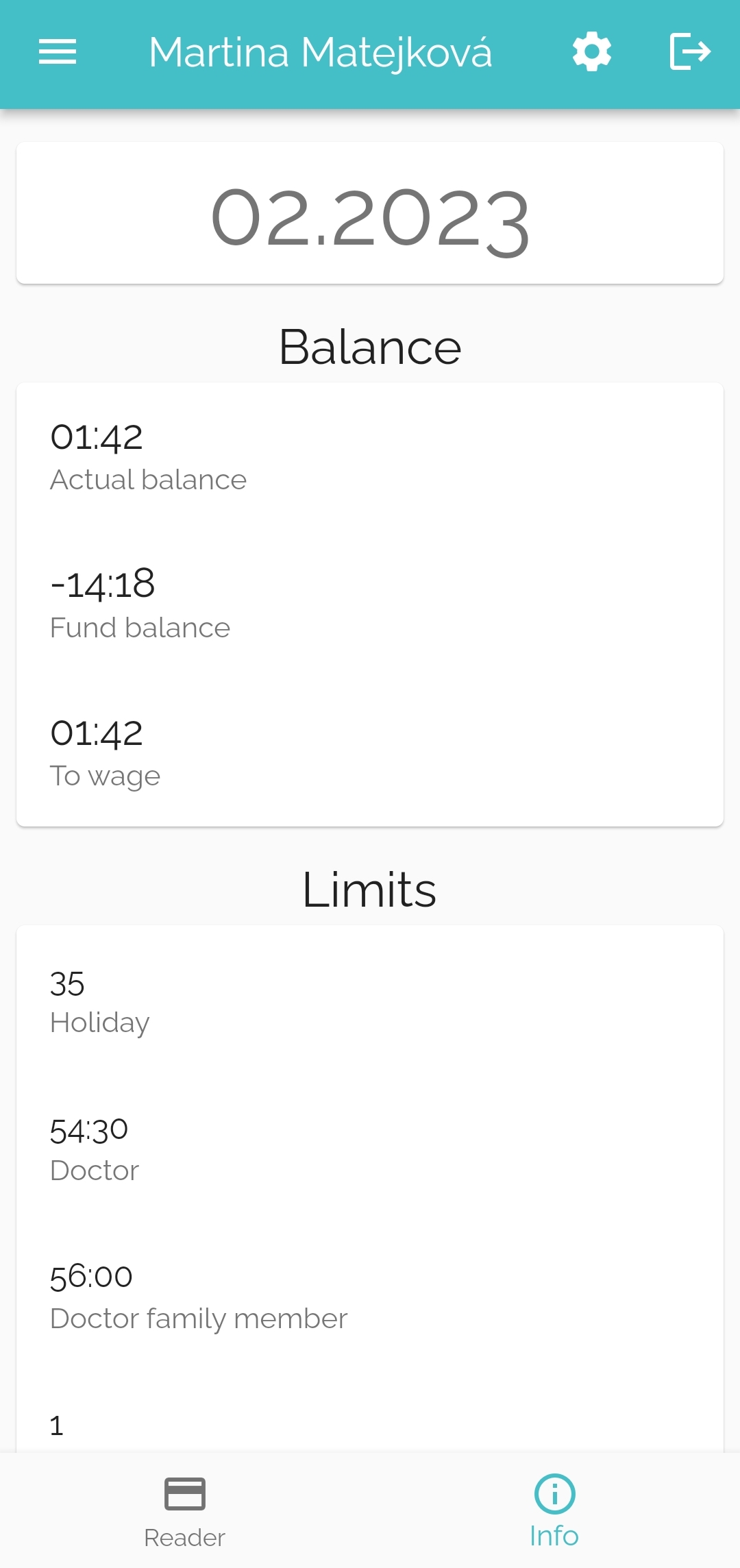
# Info
Another option of the application is viewing information about the limits and balance of the registered employee. There is information here according to the settings in webVisitor. This is the current balance, balance to the fund, transfer of balance from previous periods, etc. Likewise, the limits of vacation, doctor's visits, etc.